一. Notion配置
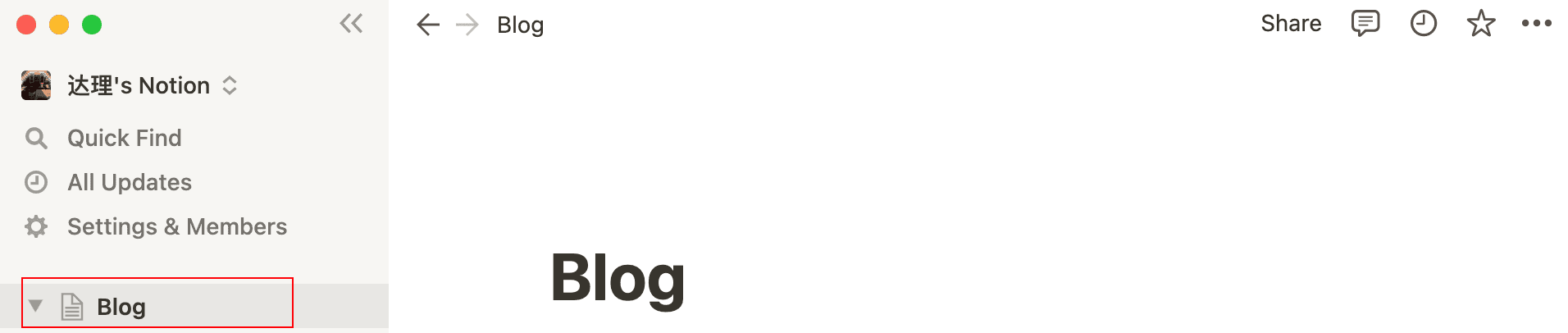
1. 下载Notion创建Blog页面
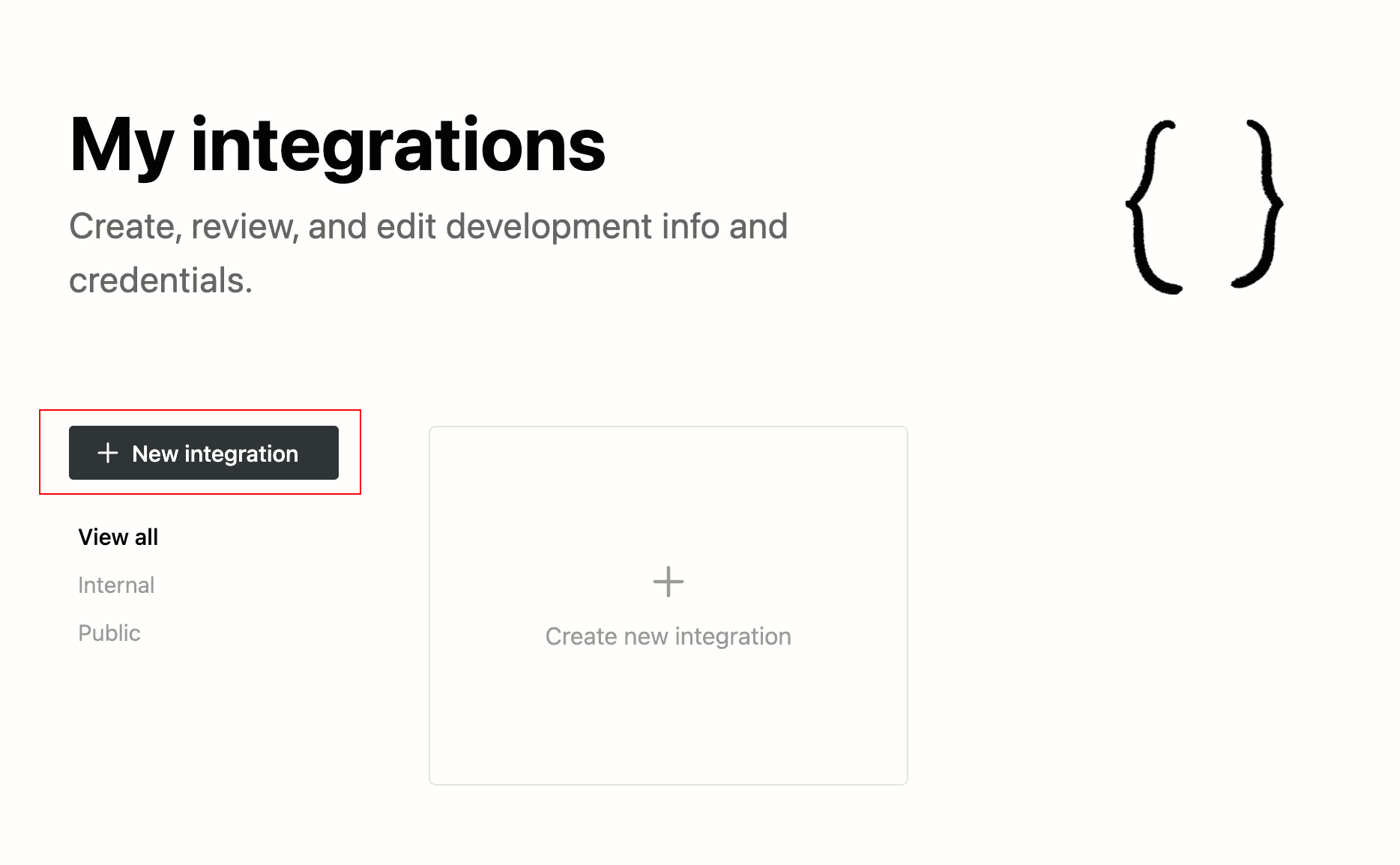
2. 创建Integration
https://www.notion.so/my-integrations
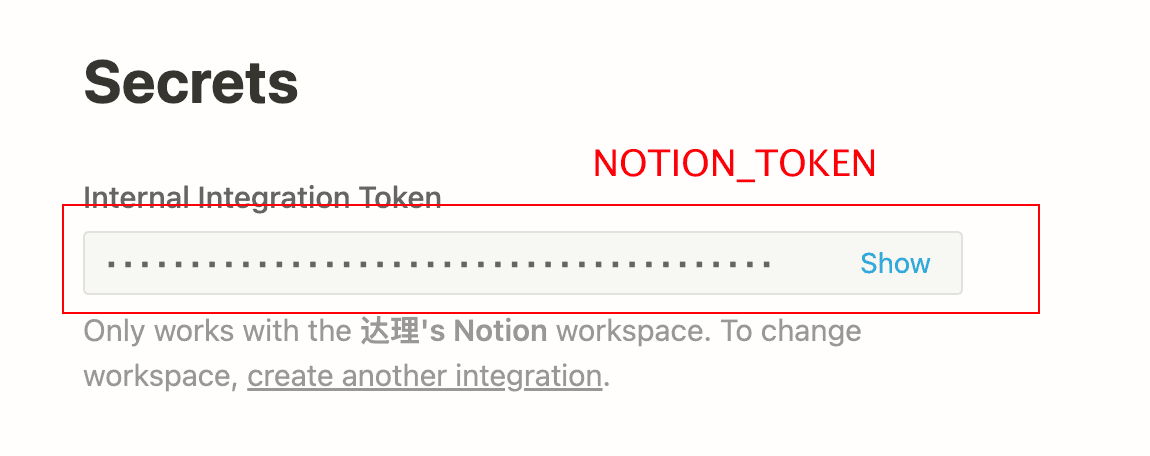
创建成功后得到 NOTION_TOKEN 保存下来
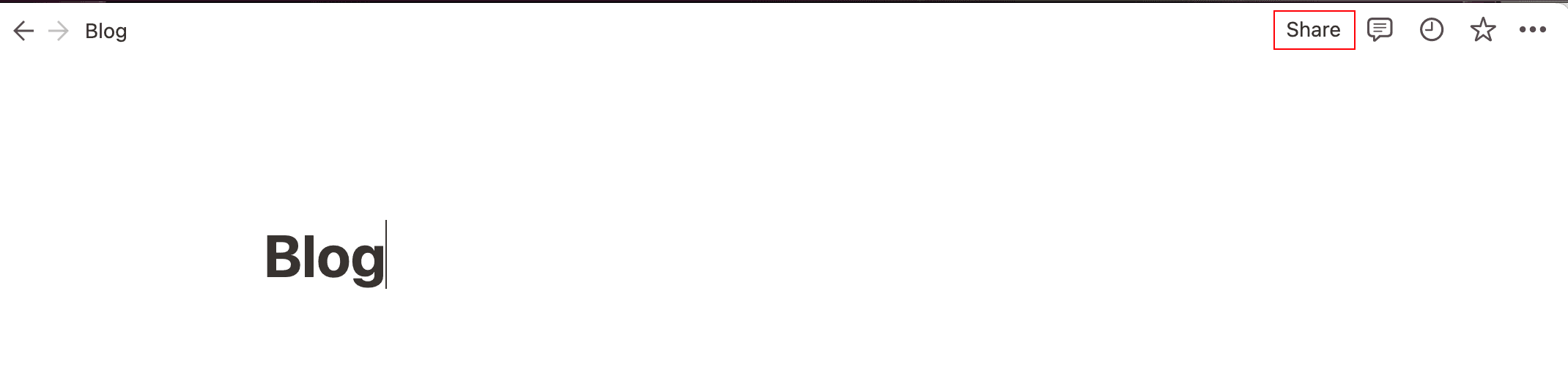
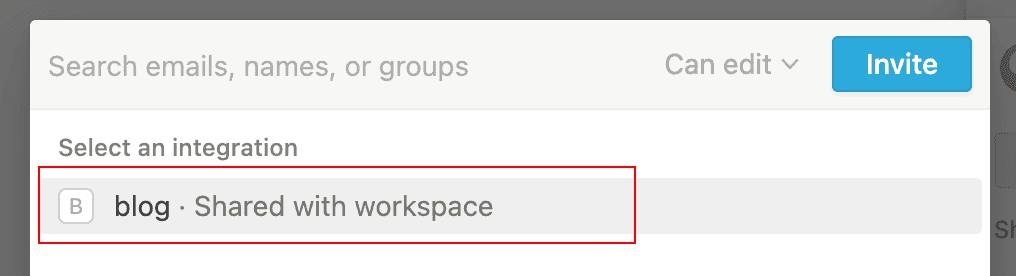
回到我们在notion创建的Blog页面, 点击页面右上角的共享按钮
点击选择一个 刚创建的 Integration 点击邀请
二. Blog配置
1. 安装@notionhq/client 和 dotenv 库
npm install dotenv-cli --save-dev
npm install @notionhq/client --save-dev
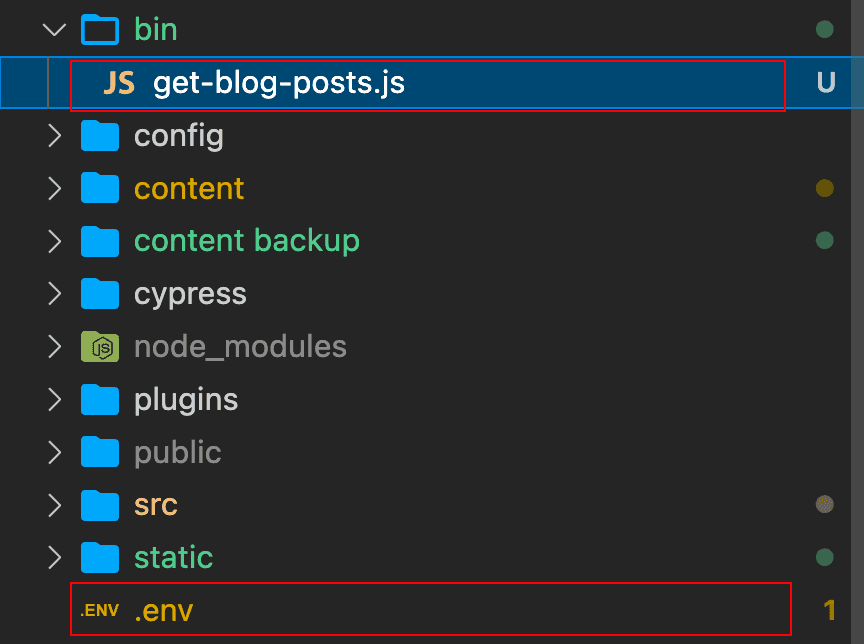
2. 新建脚本文件 /bin/get-blog-posts.js
因为Notion的API也在更新, 下面的转换文件是有时效性的, github也有很多这样的专门转换的库, 下面这个文件是我站在@Arnaud Valensi 的肩膀上, 代码稍微改了一下基本文字和图片的转换能用, 可能视频也需要更新, 有更新我会在这个文件 https://github.com/zhalice2011/blog/blob/master/bin/get-blog-posts.js 进行更新

const { Client } = require("@notionhq/client")
const slugify = require("slugify")
const path = require("path")
const rimraf = require("rimraf")
const fs = require("fs")
const fetch = require("node-fetch")
const crypto = require("crypto")
const NOTION_TOKEN = process.env.NOTION_TOKEN
const NOTION_ROOT_PAGE_ID = process.env.NOTION_ROOT_PAGE_ID
console.log(
"NOTION_ROOT_PAGE_ID: ",
JSON.stringify(NOTION_ROOT_PAGE_ID, null, 2)
)
console.log(
"NOTION_TOKEN: ",
JSON.stringify(NOTION_TOKEN, null, 2)
)
const markdownPages = {}
// Initializing a client
const notion = new Client({
auth: NOTION_TOKEN,
})
const regexMeta = /^== *(\w+) *:* (.+) *$/
const destPath = path.normalize(path.join(__dirname, "..", "content", "blog", "notion"))
async function downloadFile(url, destinationFolder) {
console.log(`-> Downloading ${url}`)
const response = await fetch(url)
const contentType = response.headers.get("content-type").split("/")
const ext = contentType[contentType.length - 1]
const buffer = await response.buffer()
const hash = crypto.createHash("sha1").update(buffer).digest("hex")
const fileName = `${hash}.${ext}`
const filePath = path.join(destinationFolder, fileName)
await fs.promises.writeFile(filePath, buffer)
return fileName
}
function toTextString(text) {
return text.reduce((result, textItem) => {
if (textItem.type !== "text") {
console.log(`=================> not a 'text' type: ${textItem.type}`)
process.exit(1)
}
if (textItem.text.link !== null) {
return `${result}[${textItem.text.content}](${textItem.text.link.url})`
}
if (textItem.annotations.code === true) {
return `${result}\`${textItem.text.content}\``
}
return `${result}${textItem.text.content}`
}, "")
}
async function processBlocks(pageContent, textPrefix = "") {
let text = ""
const metas = []
let wasBulletedList = false
for (const block of pageContent.results) {
if (wasBulletedList === true && block.type !== "bulleted_list_item") {
wasBulletedList = false
text = `${text}\n`
}
if (block.object !== "block") {
return
}
if (block.type === "child_page") {
const subpageSlug = await toMarkdown(block.id, false)
text = text + `[${block.child_page.title}](/blog/${subpageSlug})\n\n`
} else if (block.type === "paragraph") {
// Empty block.
if (block.paragraph.rich_text.length === 0) {
text = text + "\n\n"
continue
}
// Meta.
const match = block.paragraph.rich_text[0].text.content.match(regexMeta)
if (match !== null) {
metas.push(`${match[1]}: '${match[2]}'`)
continue
}
// Simple text.
text = `${text}${textPrefix}${toTextString(block.paragraph.rich_text)}\n\n`
} else if (
block.type === "heading_2" &&
block.heading_2.rich_text.length !== 0
) {
text = `${text}${textPrefix}## ${toTextString(block.heading_2.rich_text)}\n\n`
} else if (
block.type === "heading_3" &&
block.heading_3.rich_text.length !== 0
) {
text = `${text}${textPrefix}### ${toTextString(block.heading_3.rich_text)}\n\n`
} else if (block.type === "bulleted_list_item") {
wasBulletedList = true
text = `${text}${textPrefix}* ${toTextString(
block.bulleted_list_item.rich_text
)}\n`
} else if (block.type === "code") {
text = `${text}${textPrefix}\`\`\`${block.code.language}\n${toTextString(
block.code.rich_text
)}\n\`\`\`\n\n`
} else if (block.type === "video") {
text = `${text}\`video: ${block.video.external.url}\`\n\n`
} else if (block.type === "image") {
image_name = await downloadFile(block.image.file.url, destPath)
text = `${text}${textPrefix}\n\n`
} else if (block.type === "divider") {
text = `${text}---\n`
} else {
console.log("=====> Unhandled block: ", JSON.stringify(block, null, 2))
}
}
return [text, metas]
}
async function toMarkdown(pageId, ignore) {
const pageProps = await notion.pages.retrieve({
page_id: pageId,
})
const pageContent = await notion.blocks.children.list({
block_id: pageId,
})
const pageTitle = pageProps.properties.title.title[0]?.plain_text
if (!pageTitle) { // is untitled page
return false;
}
const slug = slugify(pageTitle, { lower: true, remove: /[*+~.,()'"!:@]/g })
let text = ""
const metas = []
// Handle Frontmatter.
metas.push(`title: '${pageTitle}'`)
const date = pageProps.created_time.slice(0, 10)
metas.push(`date: '${date}'`)
const description = ''
metas.push(`description: '${pageTitle}'`)
// Download the cover and add it to the frontmatter.
if (pageProps.cover !== null && pageProps.cover.type === "external") {
const pageCoverUrl = pageProps.cover.external.url
const coverImageName = await downloadFile(pageCoverUrl, destPath)
metas.push(`featured: '${coverImageName}'`)
}
const [contentText, childMetas] = await processBlocks(pageContent)
metas.push(...childMetas)
metaText = "---\n" + metas.join("\n") + "\n---\n"
text = metaText + contentText
// Save the page data if it is not the root page.
if (!ignore) {
markdownPages[slug] = text
console.log(`=> Imported "${pageTitle}"`)
}
return slug
}
;(async () => {
// console.log(`-> Cleaning the '${destPath}' folder`)
// rimraf.sync(destPath)
fs.mkdirSync(destPath, { recursive: true })
await toMarkdown(NOTION_ROOT_PAGE_ID, true)
await Promise.all(
Object.entries(markdownPages).map(async ([slug, markdown]) => {
const filename = `${slug}.md`
const filepath = path.join(destPath, filename)
await fs.promises.writeFile(filepath, markdown)
})
)
console.log(`Done: imported ${Object.entries(markdownPages).length} pages.`)
})().catch(console.error)2. 新建环境配置文件 /.env
获取NOTION_ROOT_PAGE_ID
打开Blog页面, 后面那一串数组就是了

获取NOTION_TOKEN, 就是刚才创建 Integration 保存的那个密钥
NOTION_TOKEN=secret_xxxxxxxxxxxxx
NOTION_ROOT_PAGE_ID=94d3002182824088xxxxxxxxxxxx

创建好了两个文件
4. 修改package.json新增一个脚本命令执行上面的脚本
"import-notion-posts": "dotenv -- node ./bin/get-blog-posts.js",

5. 在Blog下编写一篇文章

6. 测试脚本运行, 自动拉取Notion的文章生成Markdown到目标目录下
npm run import-notion-posts
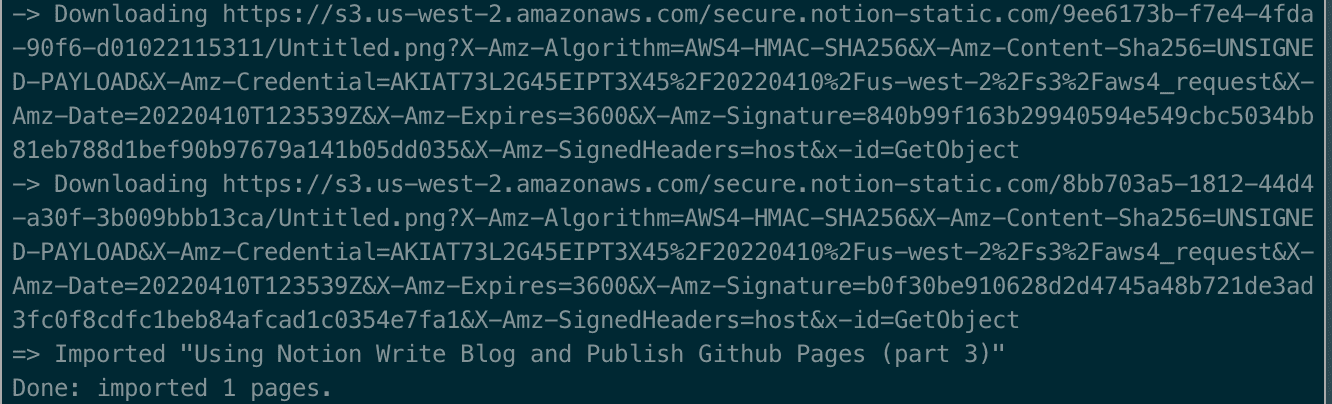
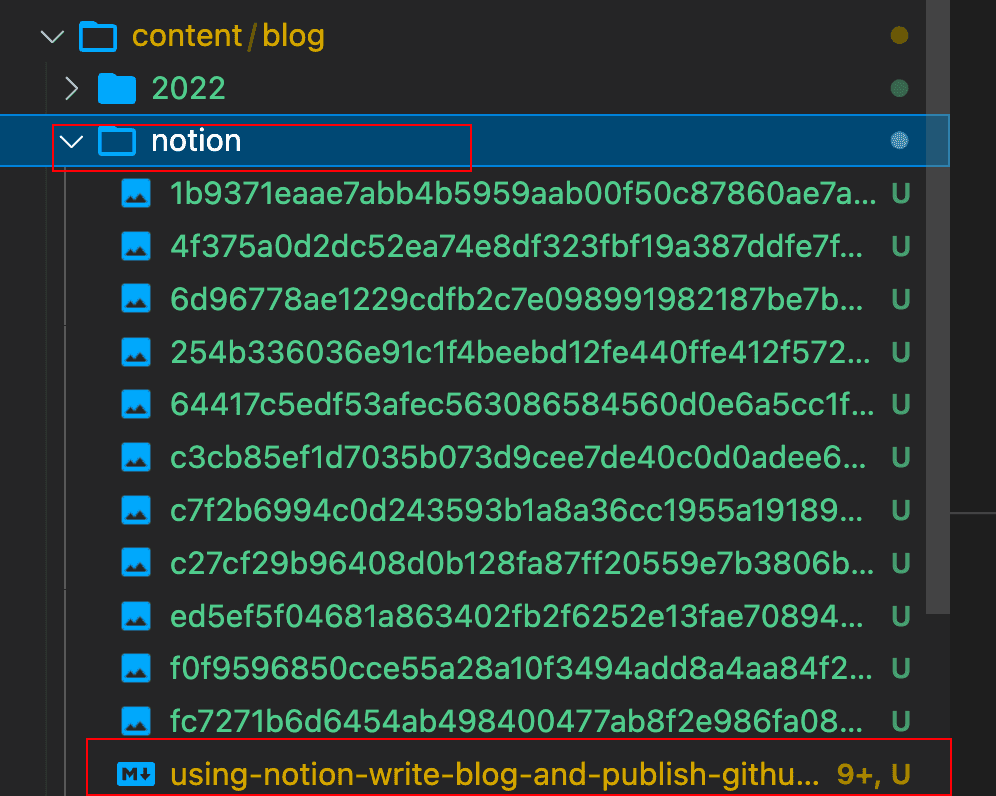
执行成功可以在 /content/blog/notion 文件夹看到我们转化的MD和下载的文件
执行 npm run develop 或者 gatsby develop在浏览器查看效果
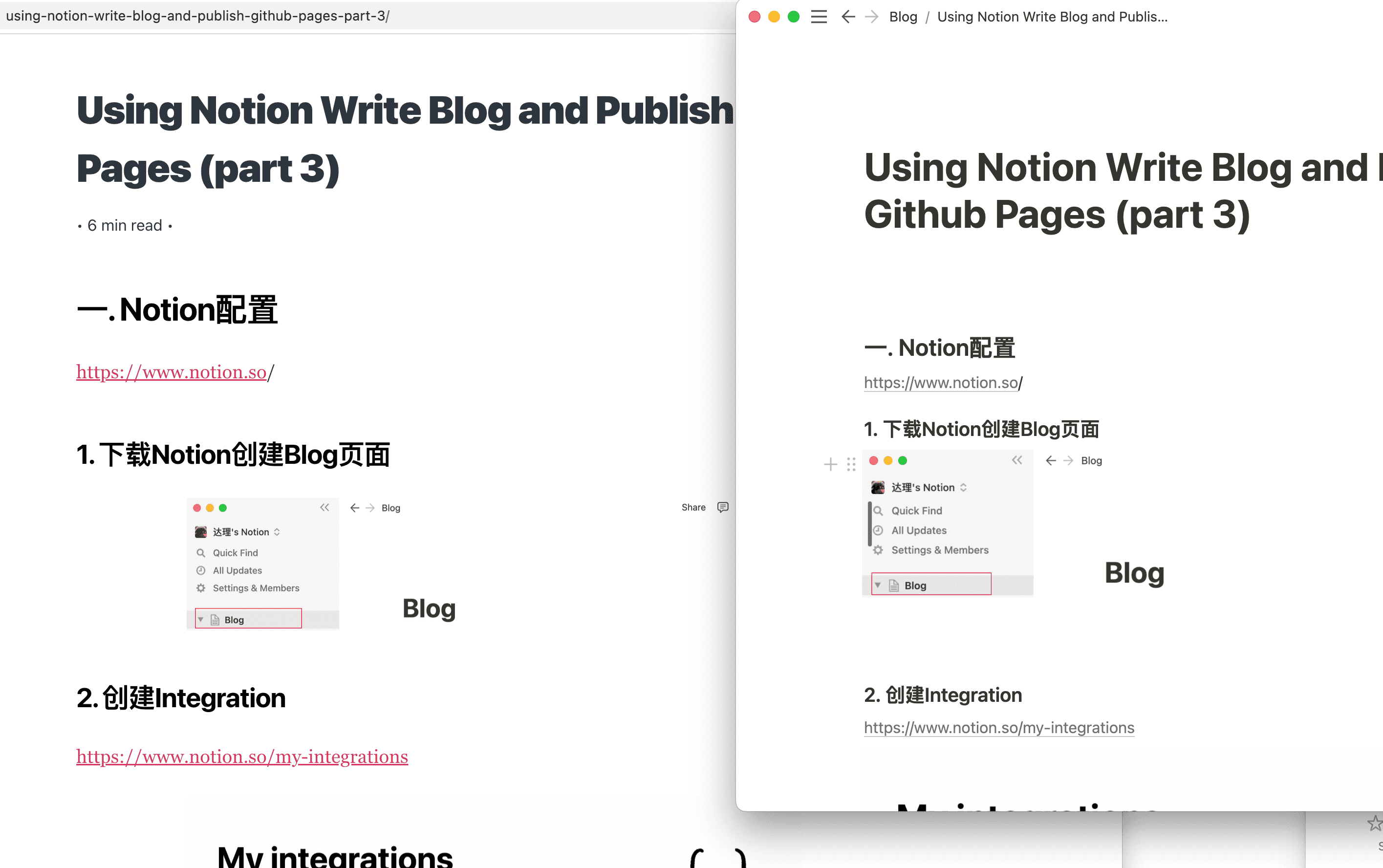
npm run develop发布到Github Page zhalice.com 上, 可以看到效果基本是一致的.
npm run deploy
三. 参考 (Reference)
https://medium.com/@tfaieta/how-i-use-notion-as-my-cms-for-my-gatsby-site-c449cc9a4687
https://arnaudvalensi.github.io/blog/making-a-blog-using-notion-gatsby-and-github-pages/
https://www.redgregory.com/notion/2020/6/15/9zuzav95gwzwewdu1dspweqbv481s5